Accessibility controls now working in the Settings screen
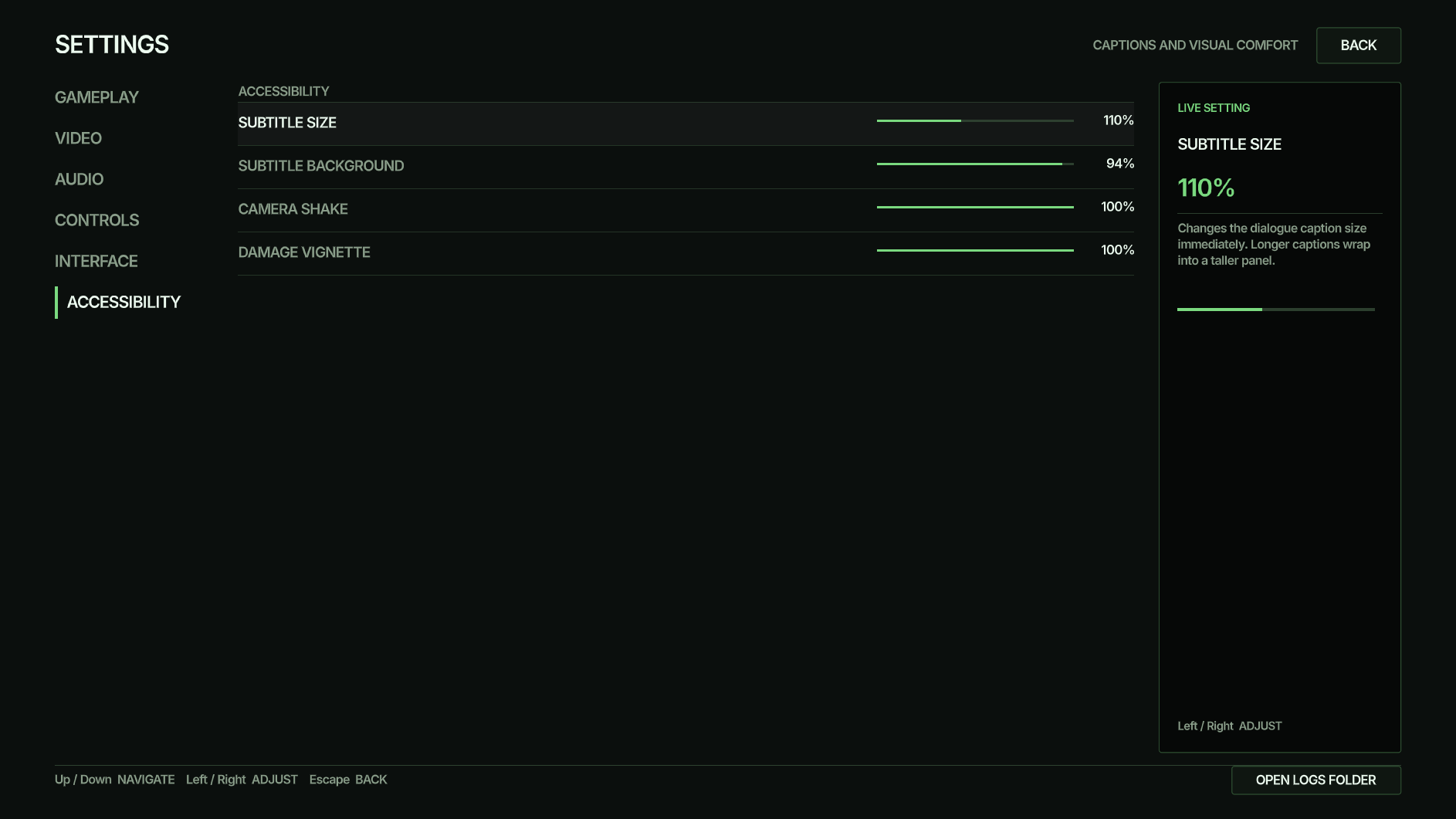
Accessibility controls in The Dead Don't Rest are now working in the real Settings screen. The new controls cover subtitle size and background, camera shake and the damage vignette. They sit alongside field of view, window and video settings and four audio levels. The image is a genuine screenshot of the Settings screen. Fullscreen, physical controller and live player vignette checks are still being handled separately.